Listen to the article summary here:
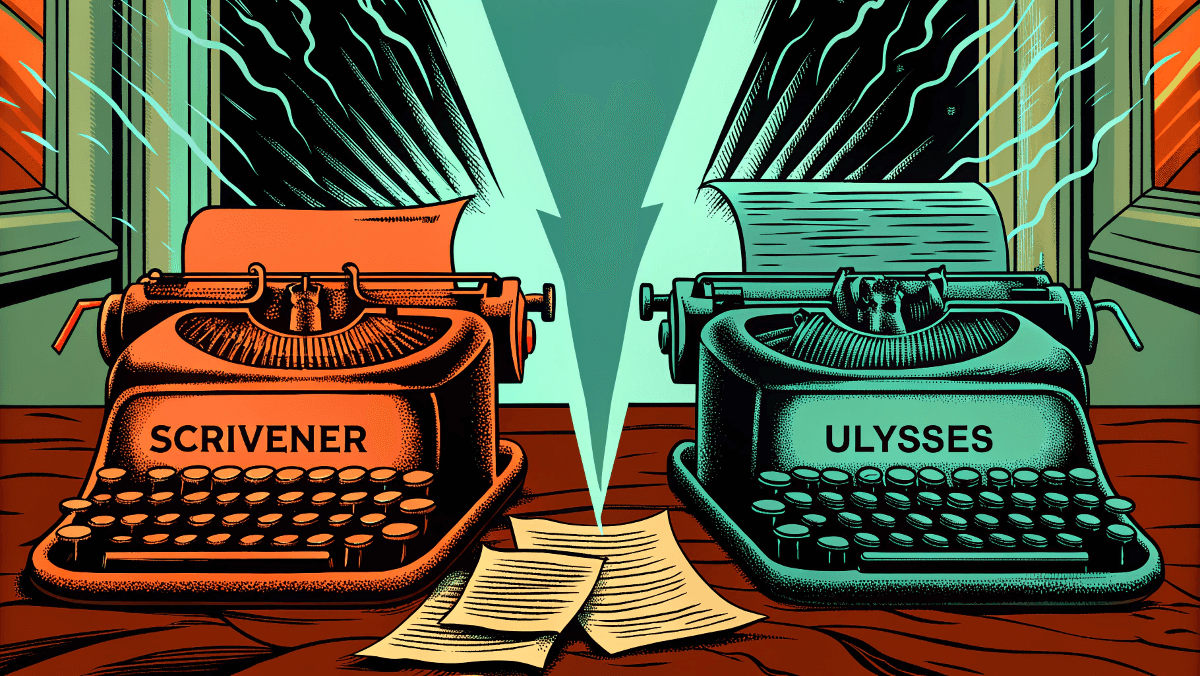
We’ve all been there. The eternal struggle between choosing the right tool for your craft can feel more daunting than actually writing your masterpiece. Today, we’re settling this debate once and for all with a no-holds-barred comparison of Scrivener vs Ulysses.
Whether you’re a seasoned novelist juggling multiple manuscripts or a blogger looking to streamline your workflow, this deep dive will give you everything you need to make an informed decision. Let’s cut through the marketing fluff and get to what really matters.
The Tale of Two Titans: What Sets Them Apart
Before we dive into the nitty-gritty, let’s establish what we’re dealing with here. Scrivener is like that Swiss Army knife your grandfather swore by; packed with features, incredibly versatile, but requiring some patience to master. Ulysses, on the other hand, is more like a premium fountain pen—elegant, focused, and designed for pure writing bliss.
The fundamental difference? Philosophy. Scrivener believes in giving you every tool imaginable, while Ulysses believes in removing distractions so you can focus on what matters most: your words.
Key Differences at a Glance
| Feature | Scrivener | Ulysses |
| Price Model | One-time purchase ($59.99) | Subscription ($5.99/month) |
| Learning Curve | Steep but rewarding | Gentle and intuitive |
| Platform Availability | Windows, Mac, iOS | Mac, iOS only |
| Research Organization | Extensive built-in tools | Basic but elegant |
| Export Options | 15+ formats | 10+ formats |
| Markdown Support | Limited | Native and advanced |
| Collaboration | Basic | Cloud-based sync |
| Mobile Experience | Functional but complex | Seamless and polished |
Who Should Use Scrivener?
Let me paint you a picture of the ideal Scrivener user. You’re someone who thrives on organization, loves having multiple projects on the go, and doesn’t mind investing time upfront to master a powerful tool. You’re probably working on something substantial; a novel, a thesis, or a comprehensive non-fiction work that requires extensive research.
Scrivener shines when you need to:
- Manage complex research materials alongside your writing
- Work with multiple drafts and versions
- Organize lengthy documents with intricate structures
- Collaborate with editors using detailed revision tracking
- Export to various publishing formats
Scrivener users consistently praise its organizational capabilities. The software’s ability to house research materials, character sketches, and timeline notes in one unified workspace makes it invaluable for complex projects requiring extensive background material.
What Does a Scrivener Do?
Beyond the obvious writing functions, Scrivener acts as your digital writing studio. It’s a research repository, outline creator, draft manager, and publishing assistant all rolled into one. Think of it as having a personal writing assistant who never sleeps and remembers everything.
The software excels at breaking down large projects into manageable chunks. You can write individual scenes, rearrange them like index cards, and see how they fit into your larger narrative structure. It’s like having a massive corkboard where you can pin up every element of your story.
How Much Does Scrivener Cost?
Here’s where Scrivener wins major points. It’s a one-time purchase of $59.99 for the desktop version. In our subscription-heavy world, this feels refreshingly honest. You buy it once, you own it forever. The iOS version costs an additional $23.99, but considering what you get, it’s still a bargain compared to most professional writing tools.
Who Should Use Ulysses?
Now, let’s talk about the Ulysses devotee. You value simplicity over complexity, prefer writing in Markdown, and want your tools to get out of your way. You’re likely working on shorter-form content, blog posts, articles, short stories, or you’re someone who finds traditional word processors overwhelming.
Ulysses is perfect if you:
- Write primarily on Mac or iOS devices
- Love the simplicity of Markdown formatting
- Want seamless sync across all your devices
- Prefer a distraction-free writing environment
- Value beautiful, intuitive design
According to recent user feedback, many writers appreciate Ulysses’ approach to organization. One user noted, “I switched from Scrivener because I spent more time organizing than writing. Ulysses gets me into the flow state faster.”
Is the Ulysses App Free?
Unfortunately, no. Ulysses operates on a subscription model, which tends to divide users into two camps: those who love the continuous updates and support, and those who prefer owning their software outright.
Is the Ulysses App Worth It?
This is where things get interesting. At $5.99 per month or $49.99 annually, Ulysses isn’t cheap. But here’s what you’re paying for: constant updates, seamless cloud sync, and what many consider the best writing experience on Apple devices.
The subscription includes access to all features across Mac, iPhone, and iPad. There’s no separate mobile purchase, no upgrade fees, and new features arrive regularly. If you write daily and value a premium experience, many users find it worthwhile.
How Much is Ulysses for iOS?
Here’s the beauty of Ulysses’ subscription model—there’s no separate iOS pricing. Your subscription covers all platforms. This means whether you’re writing on your MacBook at a coffee shop or jotting down ideas on your iPhone during your commute, you have the same seamless experience.
Pros and Cons of Scrivener
The Good Stuff
- Comprehensive research tools that keep everything organized
- Flexible document structure that adapts to any project
- Extensive export options for various publishing needs
- One-time purchase model that respects your budget
- Cross-platform availability including Windows
- Powerful revision tracking for collaborative projects
The Not-So-Good
- Steep learning curve that can overwhelm beginners
- Interface can feel cluttered with so many options
- Mobile app is functional but not inspiring
- Sync can be finicky between devices
- Overkill for simple writing tasks
As one long-time user noted on the Literature & Latte forum, the complexity can be overwhelming: “Scrivener is like having a Ferrari to drive to the grocery store. It’s incredibly powerful, but sometimes you just want something simpler.”
Pros and Cons of Ulysses
The Brilliant Parts
- Beautifully designed interface that inspires writing
- Seamless sync across all Apple devices
- Native Markdown support for modern writers
- Distraction-free environment that promotes focus
- Intuitive organization with smart folders and tags
- Regular updates and responsive customer support
The Drawbacks
- Subscription pricing that adds up over time
- Mac/iOS only – no Windows or Android support
- Limited research tools compared to Scrivener
- Fewer export options for specialized formats
- Can feel restrictive for complex projects
What is the Better App to Use to Write a Book: Scrivener or Ulysses?
This is the million-dollar question, isn’t it? The honest answer is: it depends on what kind of book you’re writing and how you work best.
Choose Scrivener if:
- You’re writing a novel, memoir, or complex non-fiction
- You need extensive research organization
- You work on Windows or prefer owning your software
- You don’t mind investing time to learn powerful features
- You frequently collaborate with editors or co-authors
Choose Ulysses if:
- You’re writing shorter works or prefer a minimalist approach
- You work exclusively in the Apple ecosystem
- You want to focus on writing without distractions
- You love Markdown and modern writing workflows
- You value design and user experience above feature count
The Verdict: Making Your Choice
After diving deep into both applications, here’s my take: neither is definitively “better” than the other. They’re designed for different types of writers with different needs and preferences.
Scrivener is the tool for writers who see their craft as a complex, multi-layered process requiring organization, research, and detailed planning. It’s for the novelist who needs to track multiple plot threads, the academic writing a thesis, or the journalist managing extensive source material.
Ulysses is for writers who believe that the best tool is the one that disappears, leaving only you and your words. It’s for the blogger who writes daily, the essayist who values flow over features, or anyone who finds traditional word processors overwhelming.
Real User Experiences
Based on discussions across writing forums and review sites, the user experience divide is clear. Scrivener users appreciate the comprehensive feature set but acknowledge the learning curve. Many note that once mastered, the organizational capabilities become indispensable for large projects.
Ulysses users consistently praise the streamlined experience and focus on writing without distractions. The common theme among positive reviews is the software’s ability to “get out of the way” and let writers focus on their craft rather than managing features.
The Final Word
In the great Scrivener vs Ulysses debate, there’s no wrong choice—only the right choice for you. Consider your writing projects, your workflow preferences, and your budget. Most importantly, remember that the best writing software is the one you’ll actually use.
Both applications offer trial periods, so why not test drive them both? Download Scrivener’s 30-day trial and Ulysses’ 14-day trial. Write a few pieces in each, and see which one feels like home.
Your words are waiting. The only question is: which tool will help you set them free?
Ready to make your choice? Try both applications and see which aligns with your writing style. Remember, the best writing tool is the one that helps you write more, not the one with the most features.
What’s your experience with these writing tools? Share your thoughts in the comments below and help fellow writers make the right choice for their creative journey.
Comments
One response to “Scrivener vs Ulysses: A Writing Software Showdown for Modern Writers”
[…] Alternative: Dabble offers “Scrivener without the learning curve” with easier collaboration features. Read also Scrivener vs Ulysses: A Writing Software Showdown for Modern Writers. […]